Quickstart: your first Phone Tree call, in minutes
What you will learn: create an assistant, write a greeting, and hear it answer a real call.
Prerequisites: an account in the portal at ivr.solutions/app. No phone number is needed to start — you can test in the portal first.
Four steps
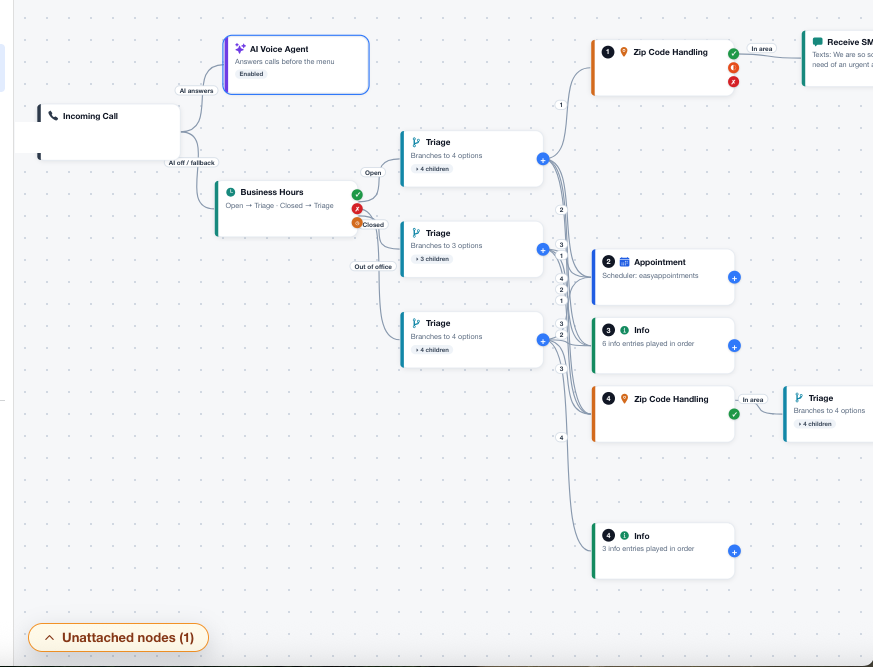
- Create your assistant. Open the portal, create a new assistant, and give it your business name and a short description of what you do. In the portal, Assistant opens directly to the Phone Tree 2.0 builder.
- Write the greeting. Keep it to three or four options. Example: availability (1), services (2), callback (3), repeat (0).
- Set hours. Enter your working days and times, and choose what closed callers hear.
- Call it. From a second phone, dial your assistant number, press each key, and confirm every option ends somewhere useful — an appointment, an info script, a message, or a transfer.
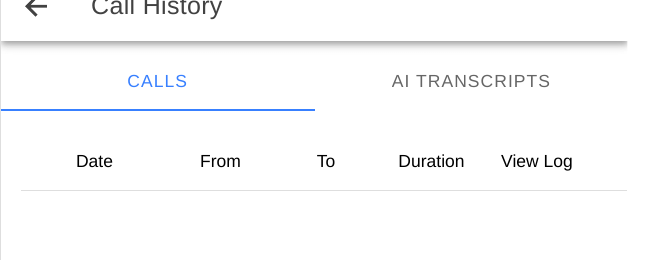
See what happened: after the test call, open call history in the portal. What was recorded should match what you heard. If it does not, fix the script before real callers hear it.
Next steps
- Phone Tree basics — write a better menu
- Phone Tree nodes — hours, ZIP, appointments, messages
- Forward your own number — keep your published number