Review calls and improve your assistant
Your assistant gets better from real calls, not from guessing. Review the first calls, fix one thing at a time, and re-test — the same loop, every week.
Step 1 — Review the first 10 calls
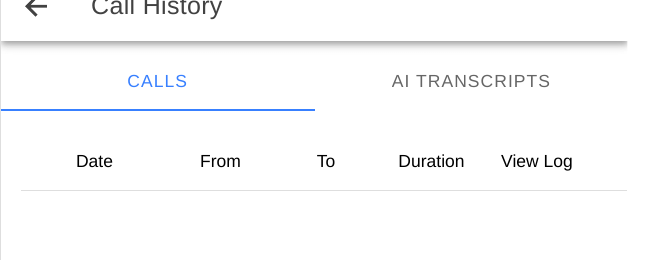
- In the portal, open call history, messages, and voicemail for the last week. Call History has CALLS and AI TRANSCRIPTS tabs, with Date, From, To, Duration, and View Log columns.
- For each call, note: what the caller wanted, whether the assistant understood it, and where the caller hesitated or repeated themselves.
- Sort the notes into three piles: greeting problems, knowledge problems (hours, pricing, area, booking), and handover problems (message or transfer).
Step 2 — Fix the biggest pile first
- Greeting: shorten it, or move the most common request to option 1.
- Knowledge: correct your notes first — notes win over website content — then fix the website if the snapshot is pulling the wrong fact.
- Handover: check that messages are being returned, and that transfers reach a person, not another menu.
Step 3 — Turn a real call into a test
- Replay the exact caller question in Simulated Chatbot, with your fix in place.
- If it still fails, the fix is in the wrong place — the notes, the tool toggle, or the booking connection — not in the wording.
- Only after the dry run passes, let real callers hear the change.
Tip: Do not change five things at once. Change one, re-test, and you will know what worked.
Checklist
- First 10 calls reviewed
- One fix made, and re-tested in Simulated Chat
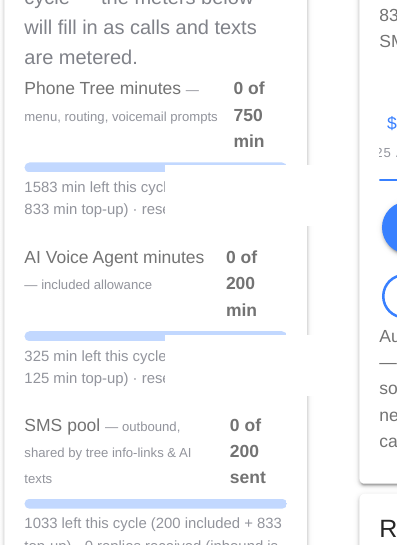
- Usage page checked — are you near your AI minute limit?